
How it works
The intended launch flow happens through an onboarding agent on X. This private prototype shows the complete experience before its links and eligibility rules are verified.
- 1
Find your wallet QR code
First, open the pump.fun mobile app, then follow these three taps. If you don't have the app, install it here: https://join.pump.fun/HSag/62826k5m
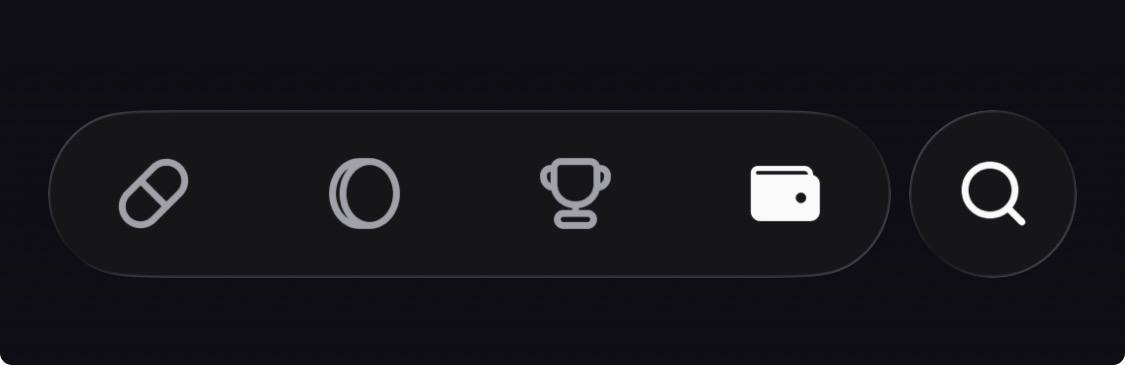
aTap the wallet icon in the bottom bar 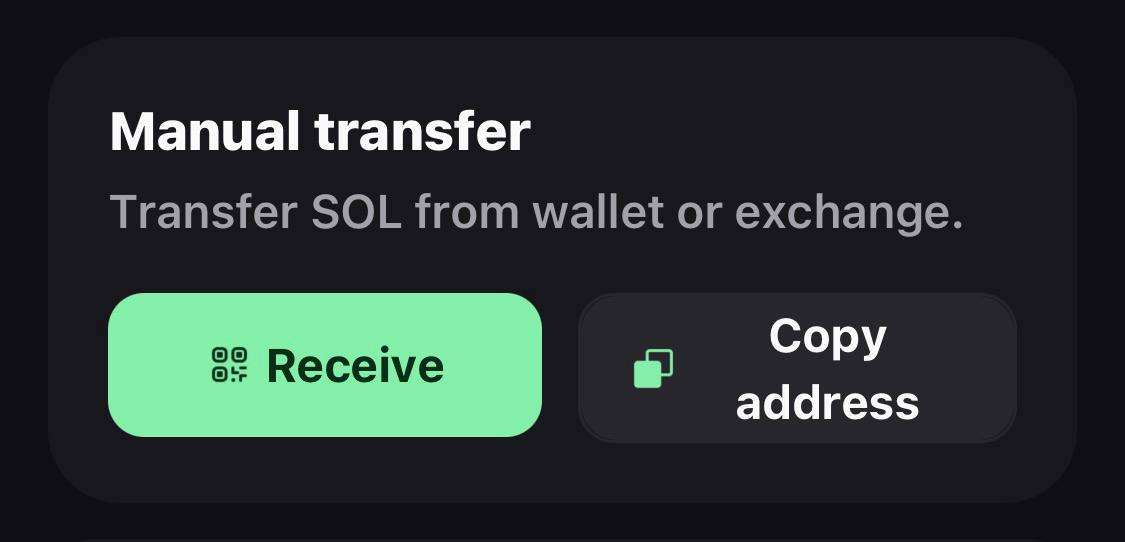
bTap Receive 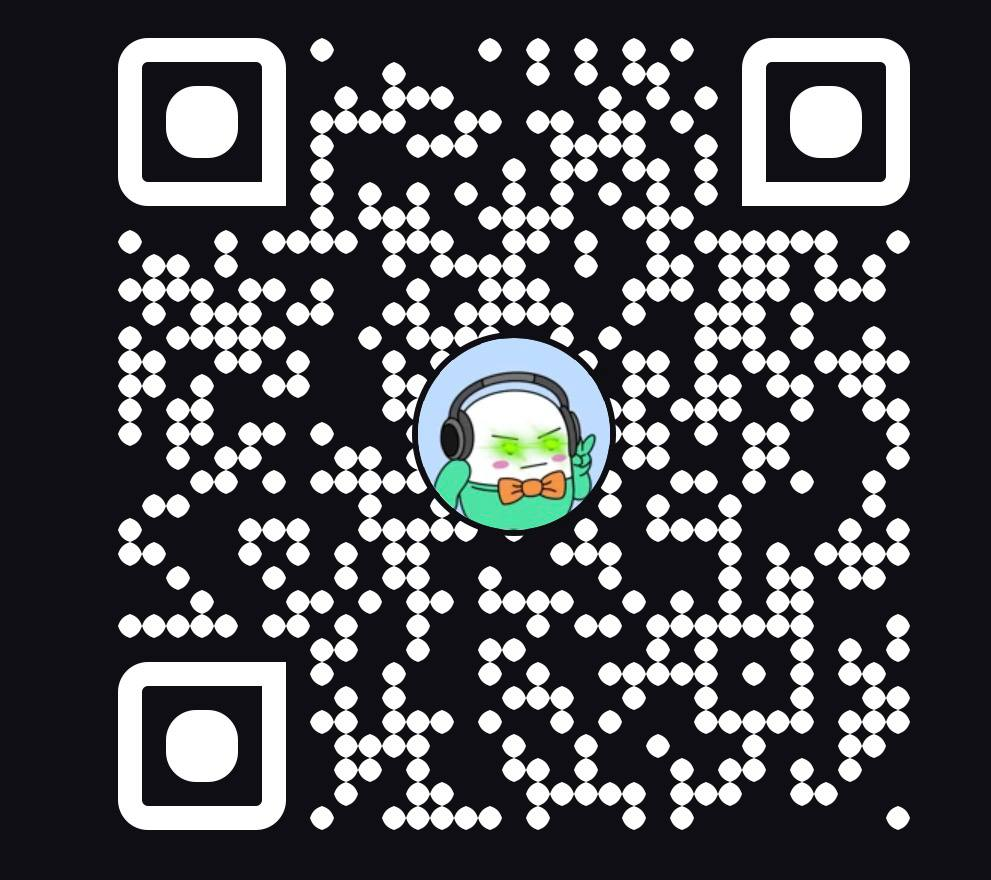
cScreenshot only your QR code - 2
Post to the agent
Copy the message, attach the QR screenshot from step one, and publish both in the same post.
↓ Copy this exampleHey @joinpumpfun, I'd like to try trading trends on pump.funAttach your QR codeAttach the QR code screenshot from step one to the same post. - 3
Start trading
The payout will arrive in minutes and you can open the pump.fun to start trading
Ready? Start with one post.
The agent usually replies within a few minutes.